Read2Kids
Read a book aloud. We'll turn it into a video.
Who are you reading to?
Their name labels the book and the email. It also tends to change how you read.
Don’t have a code?
First you’ll photograph every page. Then you’ll read the whole book in one go.
Photograph page 1
This page uses a video — it brings its own sound, so there’s nothing to record.
Tap to read this page
Select all of them together. We’ll put them in the order you filmed them — page 1, page 2, and so on — and you can fix any that land in the wrong place.
Tip: for smaller uploads, set your camera to 1080p (Settings → Camera → Record Video). It won’t change how the finished video looks.
If the page is sideways, rotate it upright. Crop only if you want to — to just the left or right page, say. Leaving it whole is fine.
Making the video takes a while, so you don’t need to wait around. We’ll email you a link the moment it’s ready.
Told Stories
Ask for a way in
“I’d like to make a video of myself reading a book to a child.”
Where your way in arrives.
It’s free, it’s private, and the videos are yours.
Told Stories
That’s sent.
Tim writes these by hand, usually within a day.
It will come from tim@toldstories.com. Worth a look in your spam folder if it hasn’t arrived by tomorrow.
You don’t have to wait
Photograph the book now. Every page is saved as you go, and the code is only needed when the video is made.
Before you start
Photographing the pages
Guidance goes here.
Before you read
Reading it aloud
Guidance goes here.
Stand back far enough to see table all round the book. Then take every photo the same way up.
Ready when you are. Read this page aloud, then turn it.
Every page you photographed. Tap one to hear it, crop it, or read it again.
Your book
Where should the video go? The link needs no code, so you can forward it straight on.
That’s everything
Thank you.
Your video is being made. It takes about fifteen minutes — roughly as long again as the book took to read.
We’ll send it to your email when it’s ready. Nothing is lost if you close the app.
Told Stories
Read a book to a child who isn’t there.
Photograph the pages. Read them aloud. A video arrives by email — that book, your voice, watchable any night.
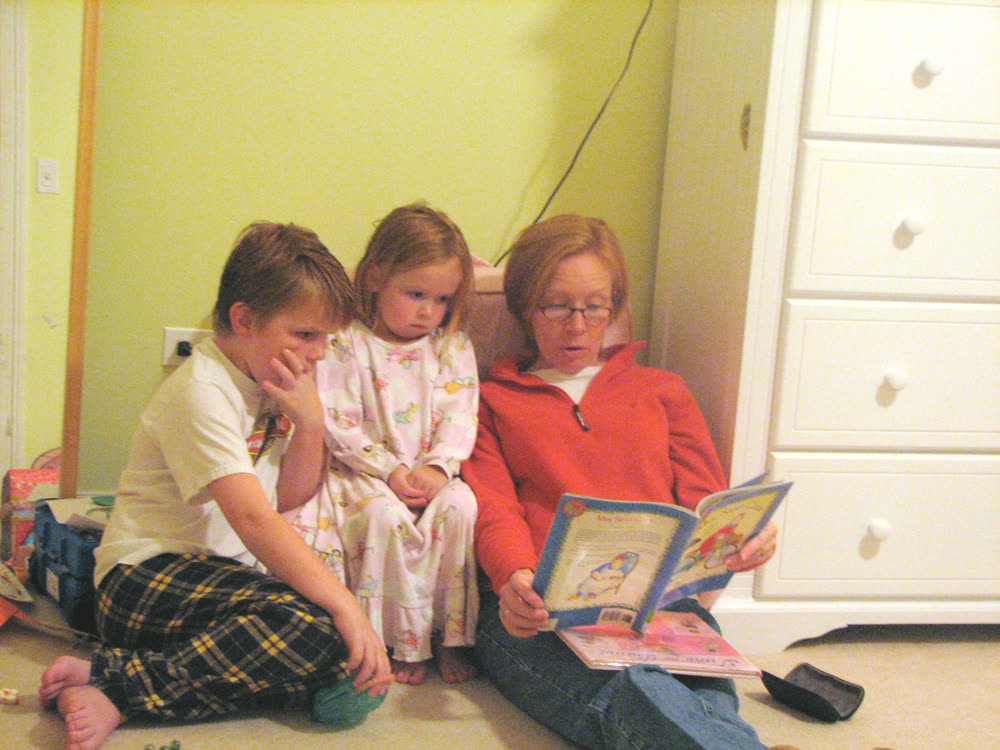
About twenty minutes for a thirty-page book — roughly the time it takes to read it once. You can stop anywhere and pick it up later.